Controls
Getting Started
Load an SVG floor plan (tested with CubiCasa5K) or pick a preset from the dropdown.
Download exports a .zip of your full project (plan, furniture, camera, surfaces, G-buffers, panoramas).
Import SVG/ZIP restores a downloaded .zip or imports a new .svg.
Navigation
MoveW A S D
Look aroundClick + Drag
Toggle FPS lockTab
TeleportMinimap Click
Tools
Toggle minimapM
Toggle doorsF
Bird's-eye viewB
Show this helpQ
G-Buffer Recording
Press C to start recording your camera path, press C again to stop. Then generate 6 G-buffer video passes (RGB, albedo, depth, normal, metallic, roughness) included in your save .zip.

Panorama Capture
Press P to capture a 360 equirectangular panorama (8K) from your current position. Generates two versions per room: bare (untextured) and furnished (with white floor). Saved in the .zip under
panoramas/.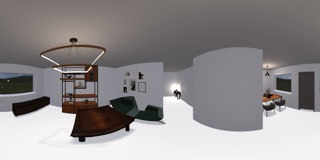
Edit Mode
Toggle edit modeE
Surface context menuRight-click wall / floor / ceiling
Door context menuRight-click door
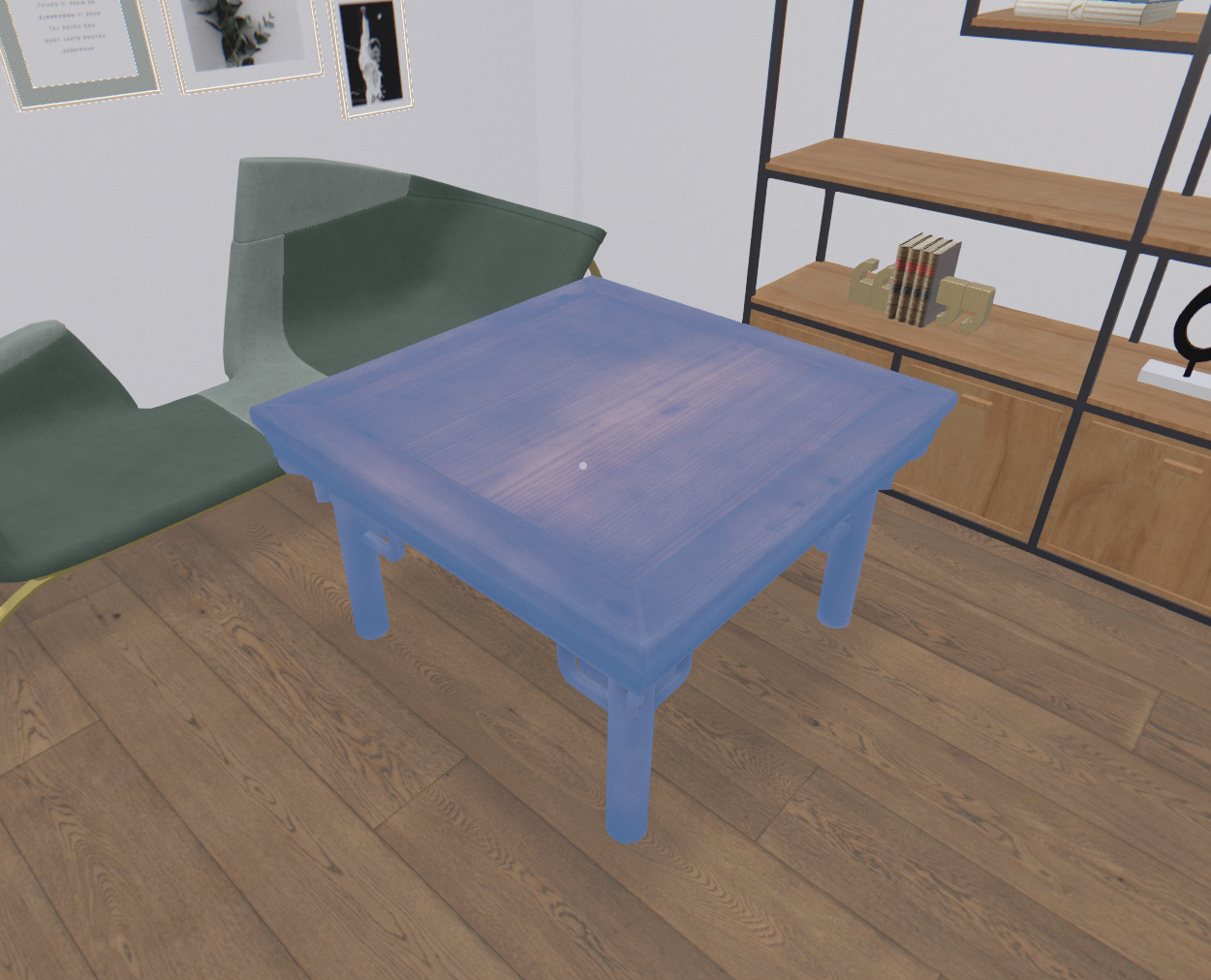
Furniture context menuRight-click furniture
Furniture Editing
Select / enter Move modeLeft-click
Move furnitureDrag
Rotate furnitureScroll wheel
Switch to Scale / HeightLeft-click again
Scale furnitureDrag up/down
Raise / lowerScroll wheel
DeselectEsc